Best Budgeting Apps
 Brittany Flammer
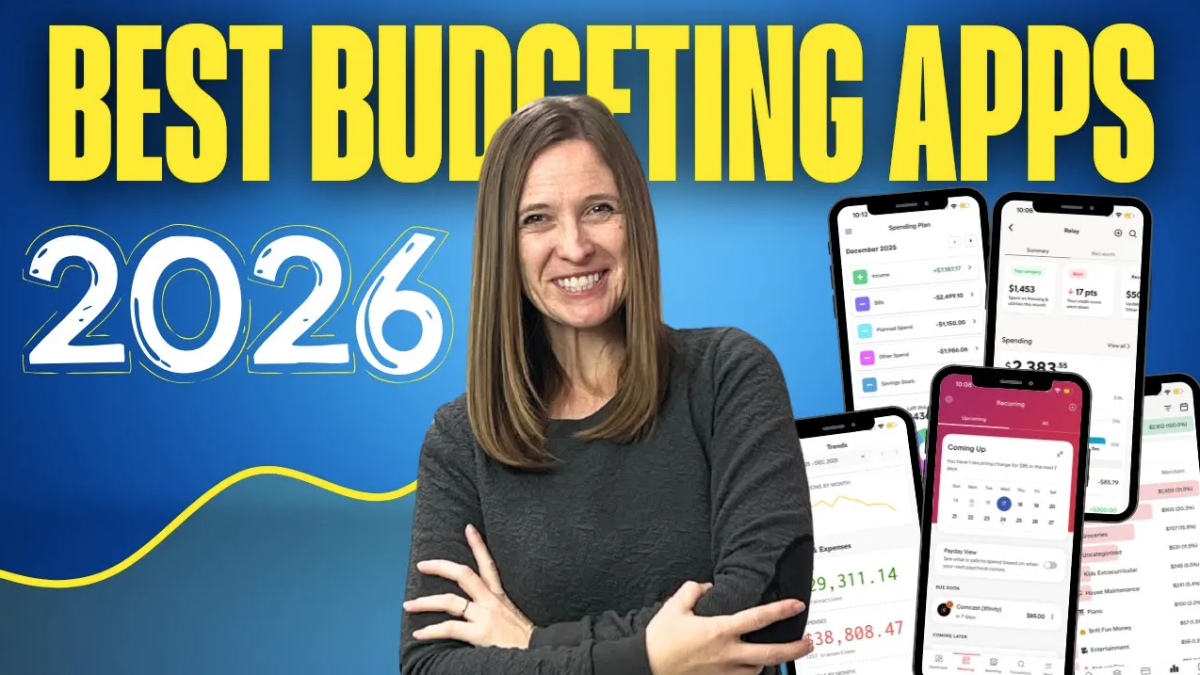
After testing more than 30, I share the best budgeting apps for you.
The Best Budgeting Apps for 2026 (Pros, Cons, and Who Each One Is For)
Every year I film a video on the best budgeting apps. This year, I asked ChatGPT to search through reviews and pull the top 25 apps. Then I spent hours testing them.
In the video, I walk through the top 15: the pros, the cons, the price, and who each app is best for. That way you can pick the one that fits you.
Because here's the thing. There isn't one "best" budgeting app. The best app is the one that's best for you, based on the features you actually care about.
📋 Want to compare all 25 apps side by side? Grab the free cheat sheet here.
Who Each App Is Best For
EveryDollar
Best if you want to keep it very simple and only look at your budget, no other numbers. The free version is fully manual, so you'll enter every transaction yourself. Even the premium version makes you choose the category for each one.
Monarch Money
Best for anyone who doesn't know where their money is going, doesn't like spreadsheets or formulas, and wants automation. It's the most user-friendly app I tested, and once it's set up, it does most of the work for you. [Use my link to get 50% off your first year.]
Lunch Money
Best if you bank outside the US, or if you don't get paid monthly and a monthly budget has never worked for you. You can set custom budget periods and even create multiple budgets.
PocketGuard
Best for people who don't really want to budget. They just want to know their bills and main expenses are covered and how much is left to spend. Fair warning: the plan is a little confusing at first. I double-counted a lot of my bills.
Rocket Money
Best if you have a lot of subscriptions or bills you want found and lowered without doing the work yourself. It's great at identifying recurring expenses. Budgeting is more of an afterthought.
Simplifi by Quicken
Best if you want a simplified spending plan that shows how much you have left after bills and planned spending. There's no free trial, but they do offer a 30-day money-back guarantee.
Tiller
Best for spreadsheet lovers who want automation. It links your bank accounts to Google Sheets or Excel. Setup is a little cumbersome, but I'm allergic to technology and I figured it out.
Goodbudget
Best if you love cash envelopes but want to go digital. The free version only gives you 10 regular and 10 irregular envelopes. That wouldn't be enough for me. It might be enough for you.
Empower
Best if you want everything in one free platform (net worth, account balances, debt, savings) and you're not worried about nitty-gritty budgeting. The catch: you only get one budget number for the whole month, not individual categories.
YNAB (You Need A Budget)
Best if you want to be hands-on and detail-oriented, focusing on the money already in your account. This is not set-it-and-forget-it. You'll need to be in it regularly.
PocketSmith
Best if you live outside the US and have a lot of bank accounts. It links to banks in 49 countries and handles weekly, biweekly, or custom income schedules.
Wallet by BudgetBakers
Best if you live outside the US and want a cheap option. Customization is limited, and the visuals aren't great.
SoFi Relay
Best if you already bank with SoFi, or if you just want to make sure your spending stays within reason without proactively budgeting. It's free, and you don't need a SoFi account to use it.
WalletHub
Best if you want credit monitoring, identity theft protection, and budgeting all in one place. It gives you five budgeting methods to choose from, but auto-importing transactions requires the paid version.
Copilot Money
Best for Apple users who want very visual budgeting. It's highly customizable, though budgeting takes a few more clicks than other apps.
What I Use (and Recommend)
Personally, I use Google Sheets. It's free, it syncs across all my devices, and it can be as simple or as complex as I want.
The apps I recommend most often are Monarch Money, Empower, or Lunch Money, depending on which features matter most to you.
If you're still not sure which one to pick, [watch the full video] or [grab the cheat sheet]. And if you have questions, leave them in the comments on YouTube.
Categories: : BUDGETING